
Why your QR code stopped working, and how to make one that won't
A common reason a QR code stops working is that it doesn't contain your link at all. It contains a short link belonging to the service that made it, and that service forwards people on to your page. If the trial ends, the bill goes unpaid or the company closes, the forwarding stops and every printed copy of the code stops working with it.
Runs in your browser. Nothing uploaded, no account.
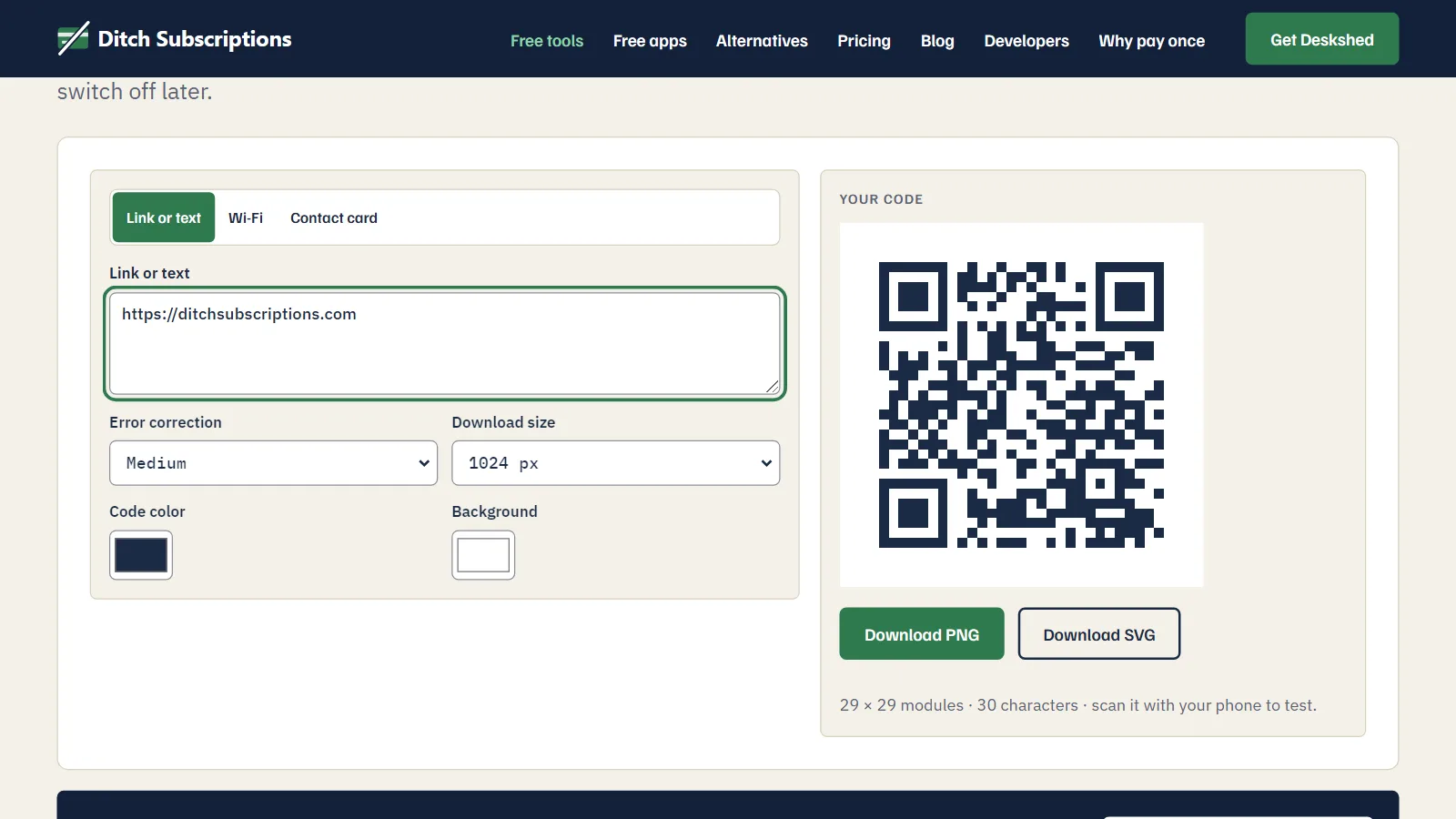
A code that holds your actual link can't fail this way, because no server is involved in reading it.
Static and dynamic QR codes
There are two kinds, and they look identical on paper.
- Static: your link or text is stored inside the pattern itself. A phone reads it straight from the square. It works for as long as the destination exists, with nobody in the middle.
- Dynamic: the pattern holds a short link run by the QR service, which redirects to your page. You can change the destination later and see scan counts, but the code only works while the service keeps that redirect running.
Dynamic codes do something useful. The trouble is how they get sold. Public reviews of several QR services, read on Trustpilot in November 2026, describe people printing a code from a "free trial" on things like business cards. When the trial ended, the code was switched off, and a yearly plan was the way to get it back on. Many of those people didn't know there were two kinds.
How to tell which kind you have
Scan the code with your phone and look at the address it shows before you open it.
- If you see your own website with no redirect service in the address, it's almost certainly static, so no QR company can switch it off.
- If you see a domain you don't recognize, or the name of a QR company, it's dynamic. It depends on that company.
You can also read it with a QR reader that shows the raw contents without following the link. Check the address in the preview, because the page that loads may be at a different address after a redirect.
How to make a code that won't expire
- Open the QR code generator and type your link. It also makes Wi-Fi and contact card codes.
- Scan the preview on your screen with your phone to check it.
- Download SVG for anything printed, because it stays sharp at any size, or PNG for screens.
The code is made in your browser and the link goes straight into the pattern. There's no account and nothing of ours in the middle, so there's nothing for us to switch off.
Printing tips that prevent real failures
- Keep a dark code on a light background. Some phone cameras struggle with light-on-dark codes, so test any inverted design.
- Leave the blank margin around the code. Scanners need it to find the edges, so don't crop it or let text run into it.
- Use a short link. Fewer characters make a simpler pattern, and a simple pattern is easier to scan from further away.
- Test the printed proof with two different phones before you run the full job.
When you do need a dynamic code
If the destination will change after printing, such as a seasonal menu or a campaign page, you need a redirect. You can keep control of it by pointing the static code at a page on your own website, then changing what that page shows or where it forwards to. You own the redirect, so nobody else can turn it off. Keep your domain renewed, because the code depends on it.
Codes for links, Wi-Fi and contact cards that never expire and never phone home. Free, in your browser, nothing uploaded.