
How to make a highlight reel from long footage, for free
To make a highlight reel from long footage, load the video into the highlight reel maker, press Find moments in this video, then trim the clips it suggests and export them as one video. It runs in your browser, so hours of footage don't have to go up to anyone's server first.
Runs in your browser. Nothing uploaded, no account.
How it finds the moments
The tool measures two things across your video: how much the picture changes from one moment to the next, and how loud the audio is. It scores each stretch on both, then picks the highest-scoring stretches that don't overlap.
We tested it on a 25-second clip built for the purpose: 10 seconds of still, silent footage, 5 seconds of motion and loud sound, then 10 more still, silent seconds. Asked for one 5-second moment, it chose exactly 10.00 to 15.00 seconds.
That was a clean test, and real footage is messier, so treat the picks as a first draft.
Very long footage also gets a coarser scan, at about 1,500 sample points per video, and files of 600 MB or more are scored on motion alone. Expect to adjust the picks.
What it's good and bad at
- Good fit: gameplay, sport, reaction videos, concerts, anything where the exciting parts are also the busy, loud parts.
- Poor fit: interviews, lectures and quiet comedy. A good line in a calm room looks like nothing happening. For these, mark the clips yourself.
- Watch out for: hard scene cuts and loud music. Both raise the score whether or not the moment is any good.
The steps
- Open the highlight reel maker and drop in one or more videos.
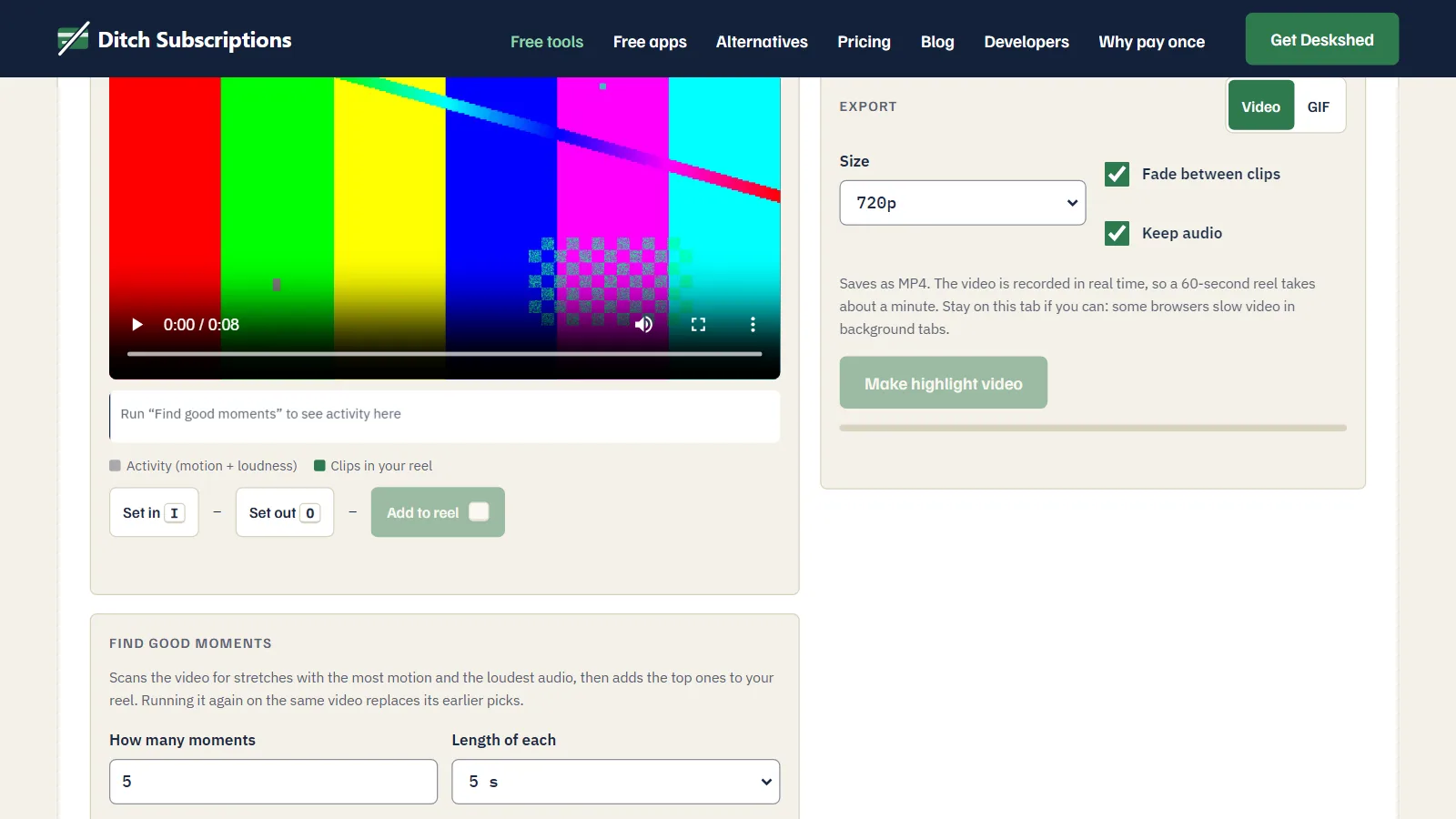
- Set how many moments you want and how long each should be, then press Find moments in this video. Five clips of 5 seconds is a sensible start.
- Click a thumbnail to preview a clip. Type new start and end times, or remove it.
- Add anything it missed: pause the player and press I at the start, O at the end, and A to add the clip.
- Use the arrows to set the order. Don't assume the order things happened is the best one.
- Choose a size, leave Fade between clips on, and press Make highlight video.
How to make it better than the automatic version
- Open with your best clip, not your first. Your opening clip sets the tone, so don't save the good part for later.
- Cut sooner than feels natural. Three seconds of the good part beats five seconds with a slow start. Move the start time later and watch it again.
- Keep it short. A reel is an ad for the longer video or for you, so stop while people still want more.
- Pick the size for where it's going. 720p makes a file about a third smaller than 1080p at the tool's settings.
How long the export takes
This tool records your reel as it plays, so a 60-second reel takes about 60 seconds to export. Stay on the tab if you can, because some browsers slow down video in background tabs. The file comes out as MP4 in Chrome and Edge. Browsers that can't record MP4 save WebM, and the export panel tells you which you'll get.
For a looping clip, switch the export to GIF, or use MP4 to GIF for a single moment.
Finds the busiest, loudest moments in your footage and stitches them into one video or GIF. Free, in your browser, nothing uploaded.